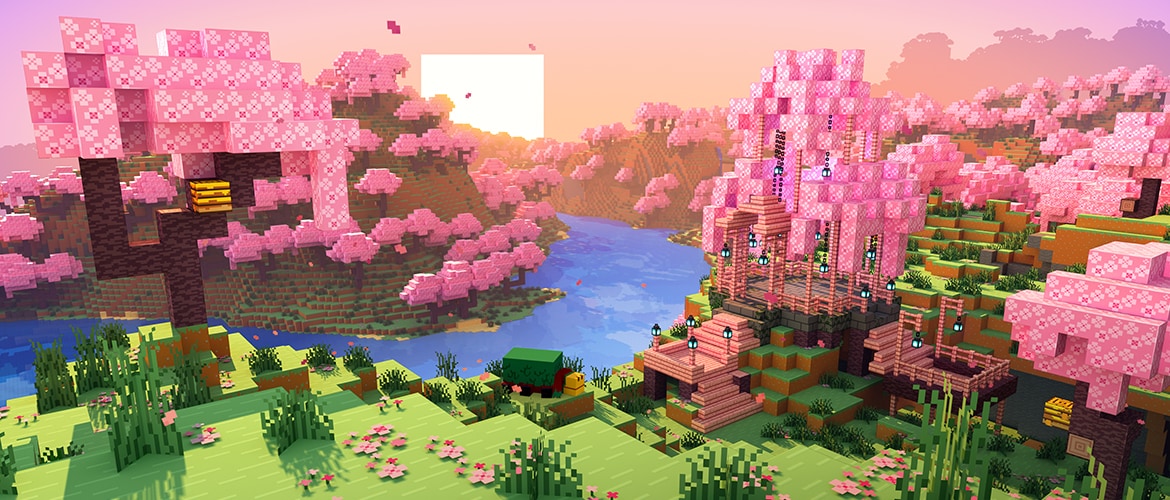
Overworld
Mine, craft, build
Forests, caves, villages, and oceans. The classic survival loop: wood, tools, shelter, then whatever you imagine.
Minecraft is a sandbox where you mine, craft, build, and survive across infinite worlds. The official launcher is your door to Java Edition, Bedrock, Dungeons, and Legends on PC. Download safely and start playing on Windows, macOS, or Linux.
The launcher installer is free. You still need a Microsoft account and a valid license or Game Pass entitlement to play paid editions.
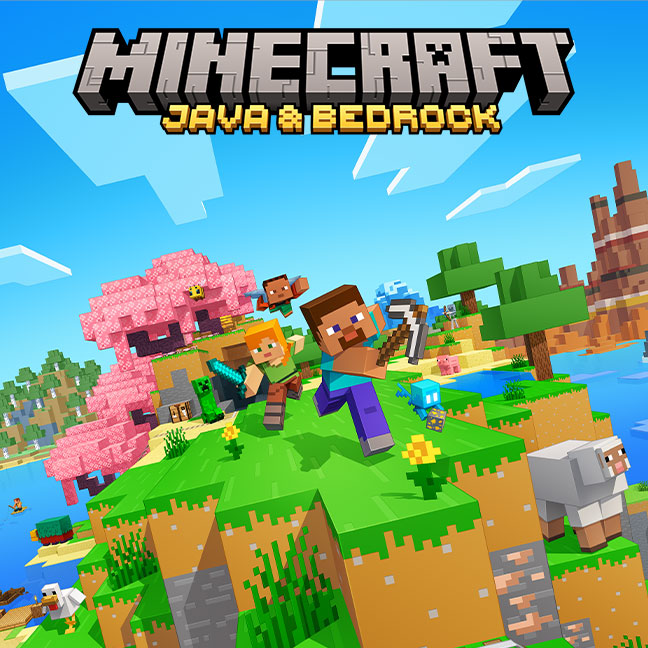
 The sandbox game
Minecraft drops you into procedurally generated worlds made of blocks. Gather resources by day, survive mobs by night, and shape the landscape into anything from a dirt hut to a redstone computer. Play solo, on Realms, or on community servers with friends.
The official PC launcher connects your Microsoft account to every Mojang title you own. One download, one sign-in, then pick Java for mods and servers, or Bedrock for cross-play on Windows.
From grassy plains to lava oceans and the End islands. The launcher downloads the edition you choose, then you step into the adventure.
Overworld
Forests, caves, villages, and oceans. The classic survival loop: wood, tools, shelter, then whatever you imagine.
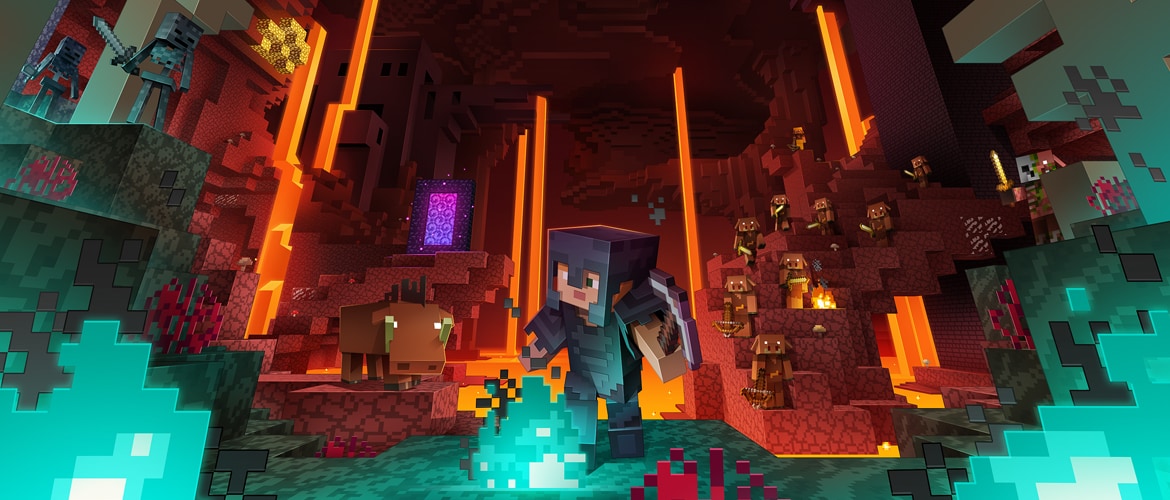
The Nether
Portals lead to a dangerous dimension of piglins, fortresses, and ancient debris for netherite gear.
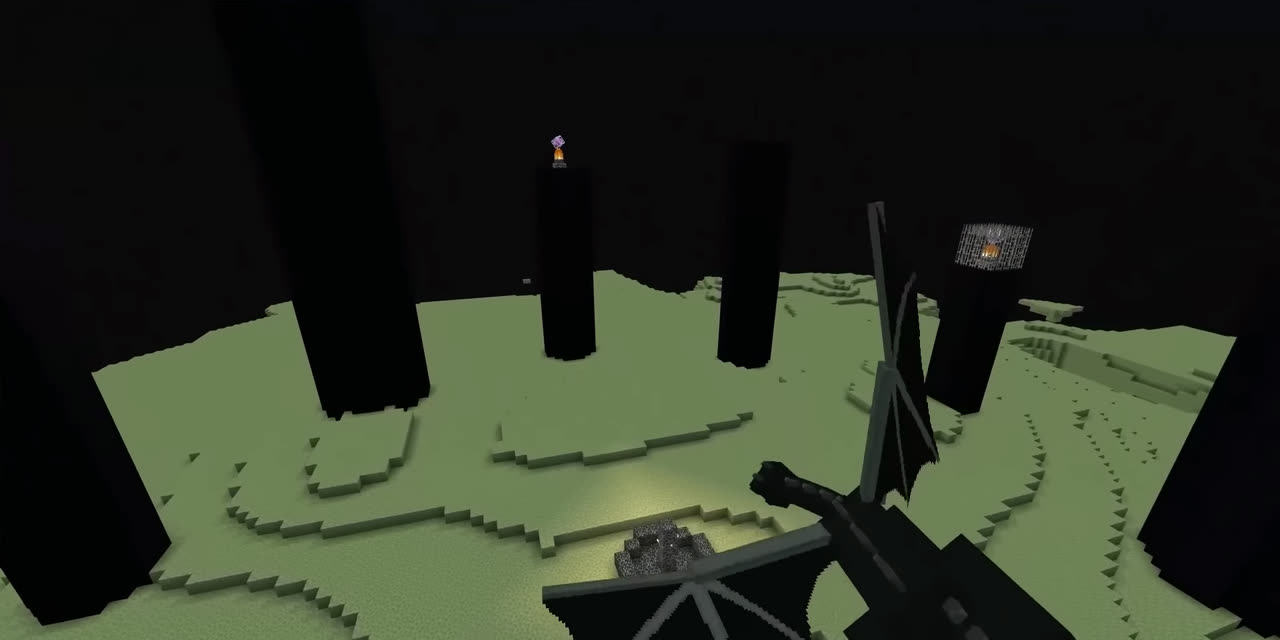
The End
Defeat the Ender Dragon, then explore outer islands for end cities, shulkers, and elytra wings.
The official launcher mirrors Mojang's edition rail. Pick a title to see what you get before you download.
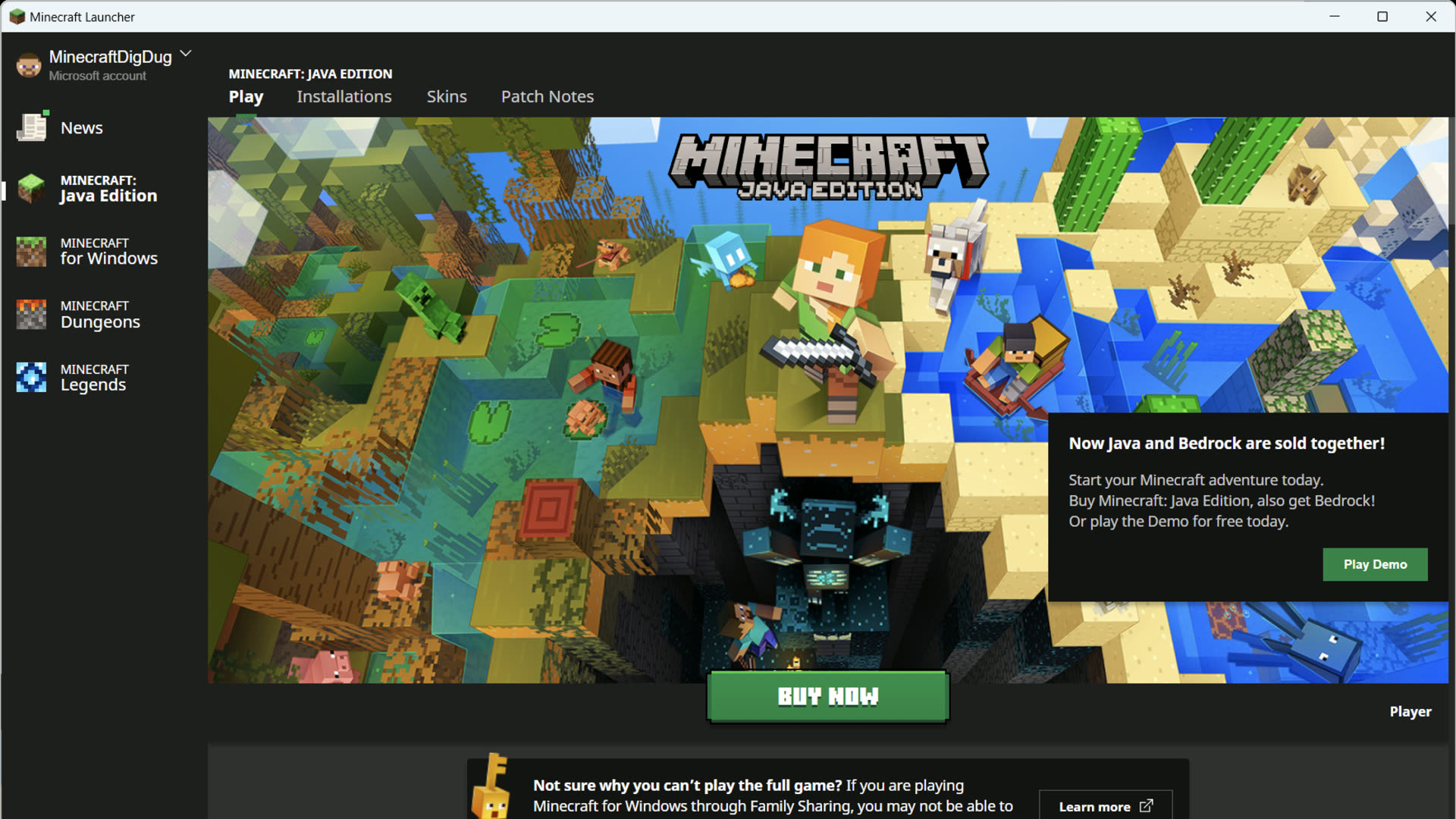
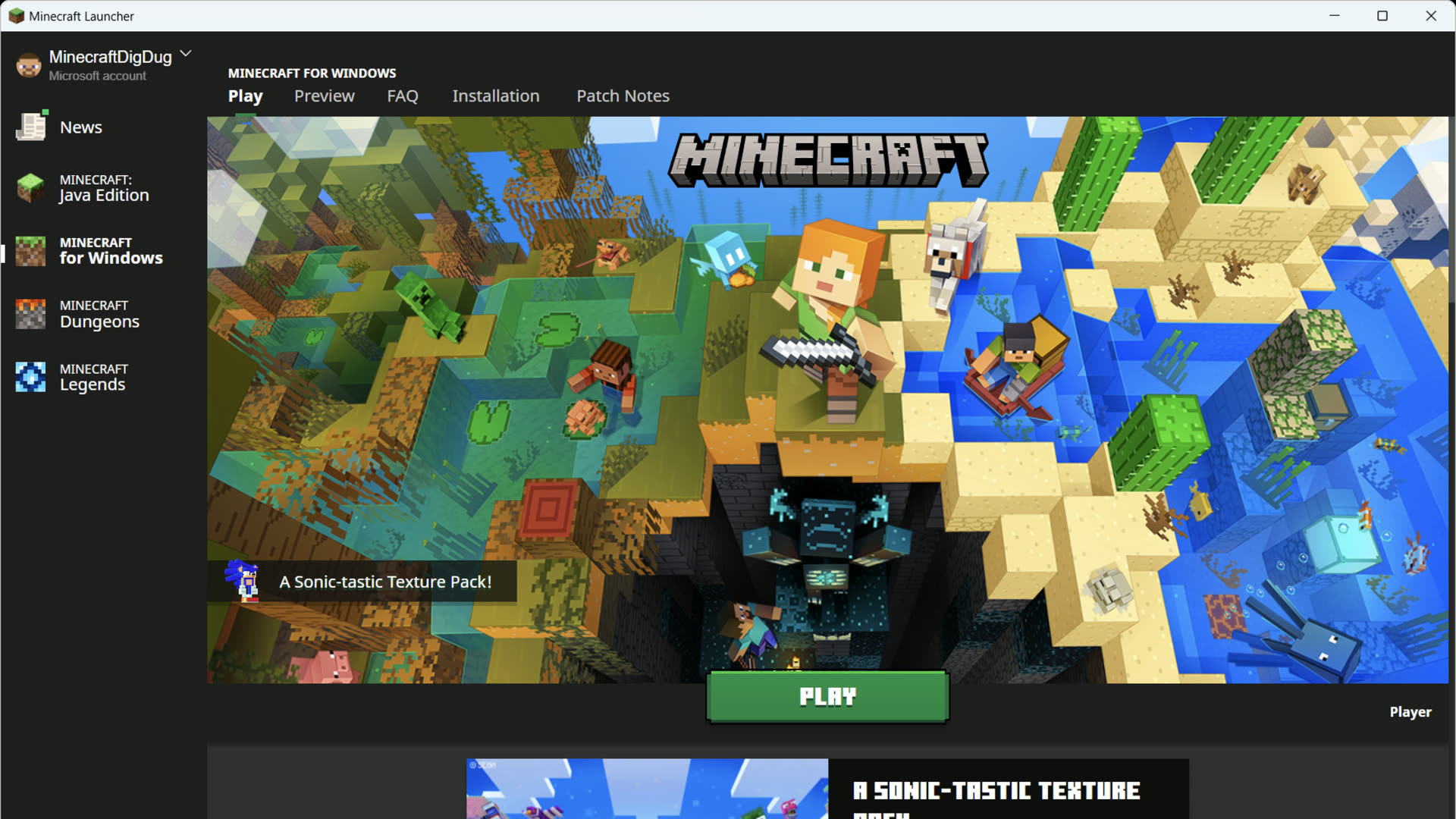
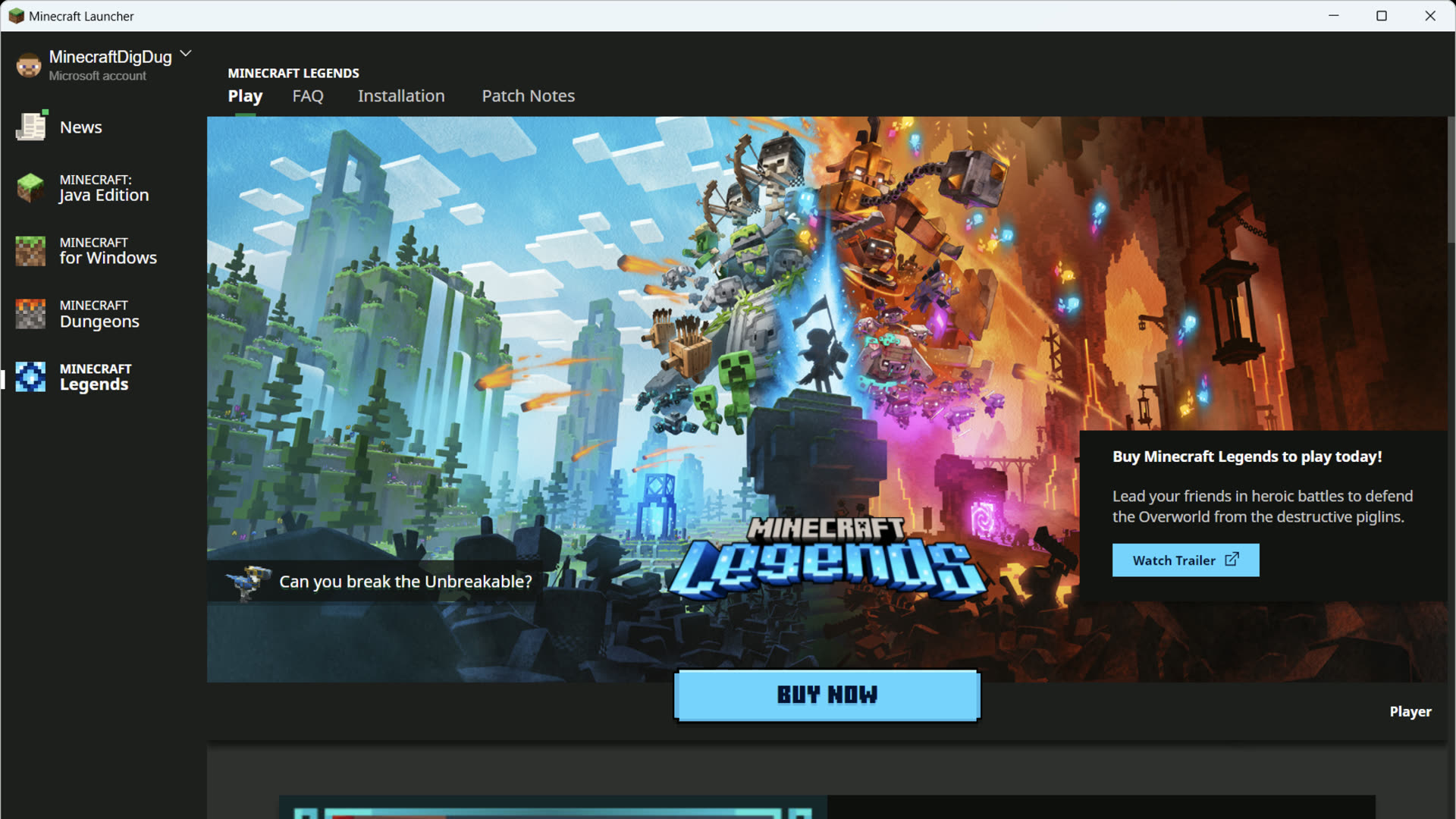
Java Edition
Full mod support with Forge and Fabric, community servers, weekly snapshots, and separate installations for every version. Runs on Windows, macOS, and Linux.
Mods, redstone, technical servers
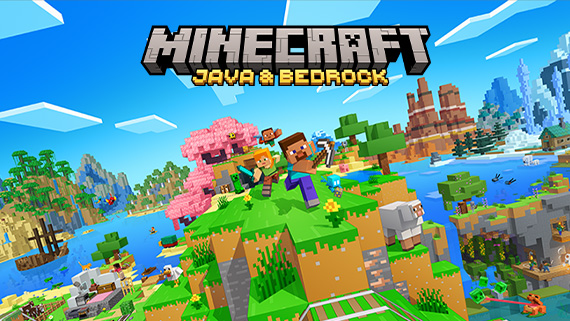
Cross-play with console & mobile
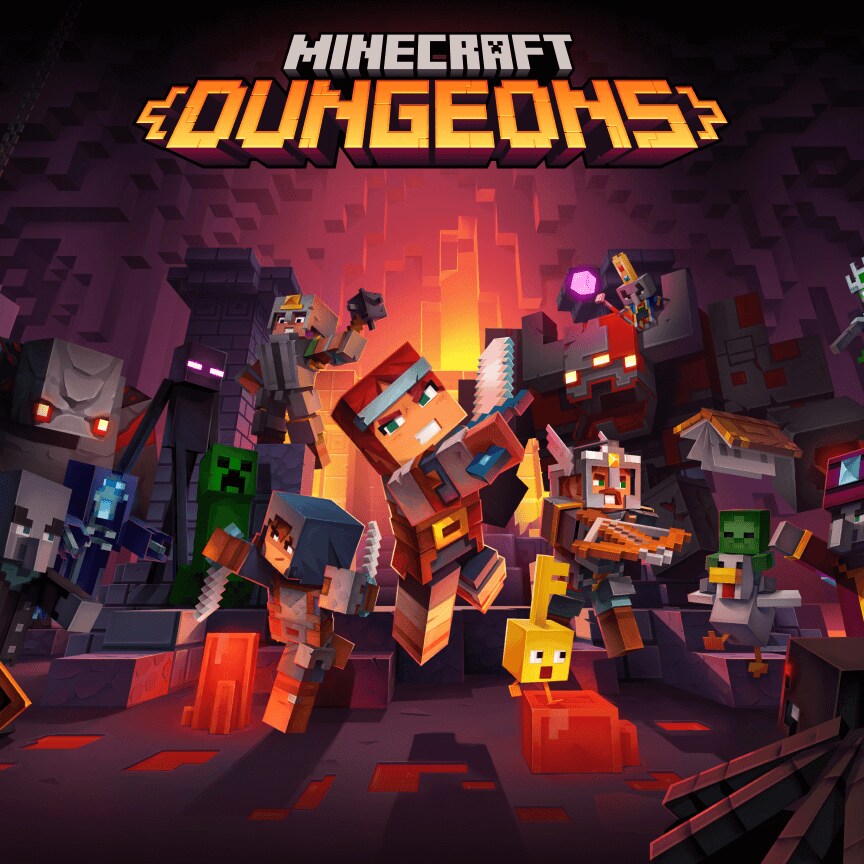
Co-op dungeon crawler
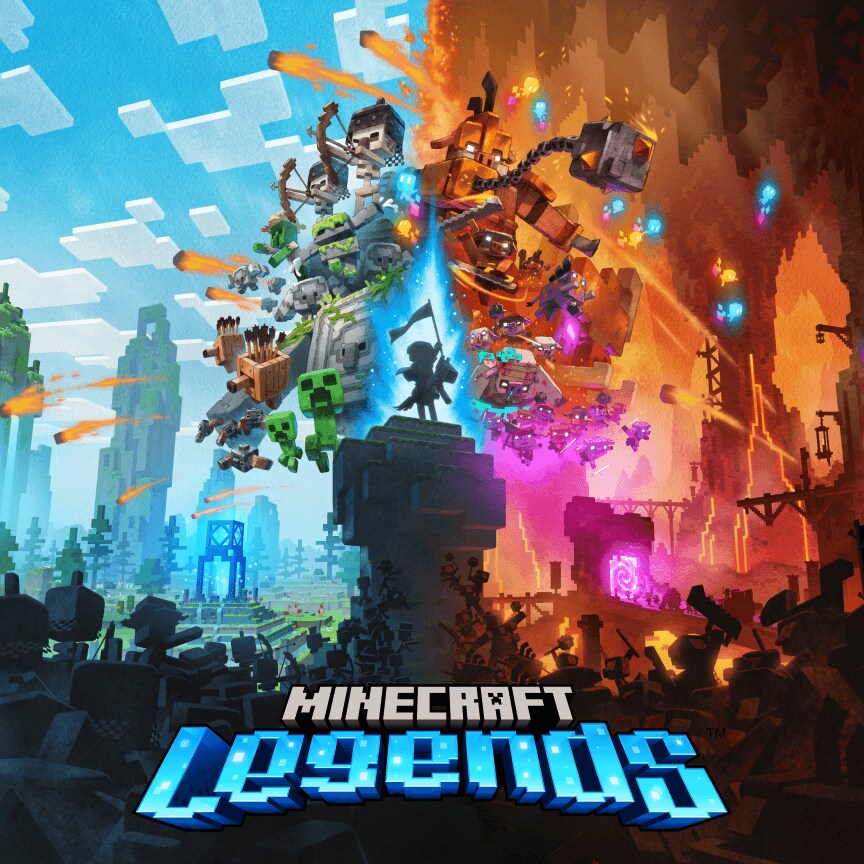
Real-time strategy adventure
 Minecraft
Explore your own unique worlds, survive the night, and create anything you can imagine!
Watch the sample video of Minecraft gameplay above, or select watch the trailer to see the full video on YouTube.
Watch the trailer Minecraft Dungeons
Discover an action-adventure game inspired by classic dungeon crawlers.
Watch the sample video of Minecraft Dungeons gameplay above, or select watch the trailer to see the full video on YouTube.
Watch the trailer Minecraft Legends
Lead your allies in heroic battles in the action-strategy game Minecraft Legends.
Watch the sample video of Minecraft Legends gameplay above, or select watch the trailer to see the full video on YouTube.
Watch the trailerGameplay clips from minecraft.net. Full trailers on YouTube.
Windows players get the full launcher from Microsoft Store. macOS and Linux use Mojang's direct installer for Java Edition. Pick your OS below and we will point you to the correct official link.
Step 1 · Your operating system
Step 2 · What do you want to play?
Unified launcher for Java, Bedrock, Dungeons, and Legends. Updates through Microsoft Store.
Microsoft StoreOfficial .dmg installer. Java Edition only on Mac.
Download .dmgDebian package or portable archive. Java Edition only.
Download .deb .tar.gzSafe download: Confirm the publisher is Microsoft, Mojang, or Xbox before you install. Windows should open the Microsoft Store or launcher.mojang.com. Avoid third-party download portals.
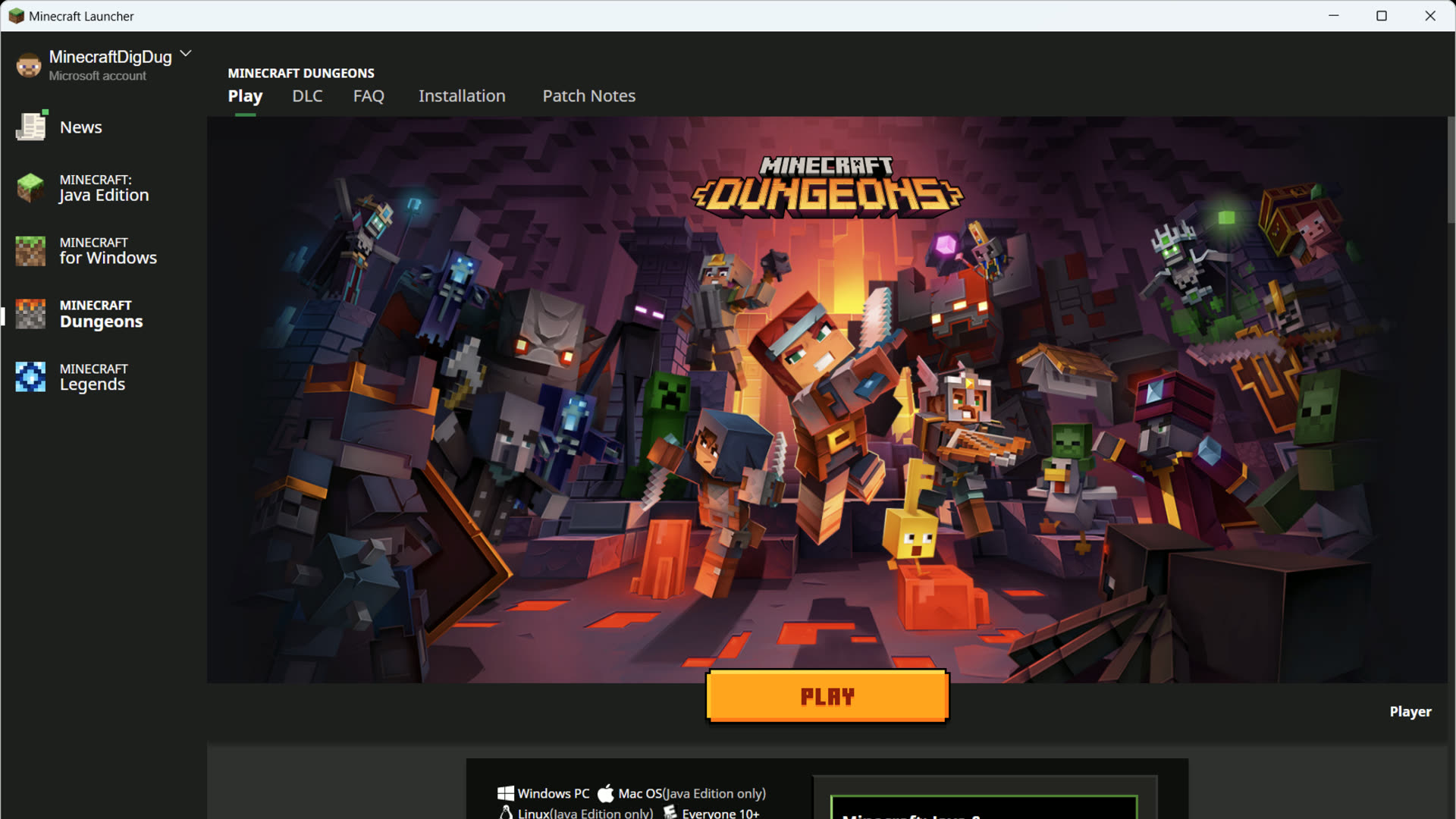
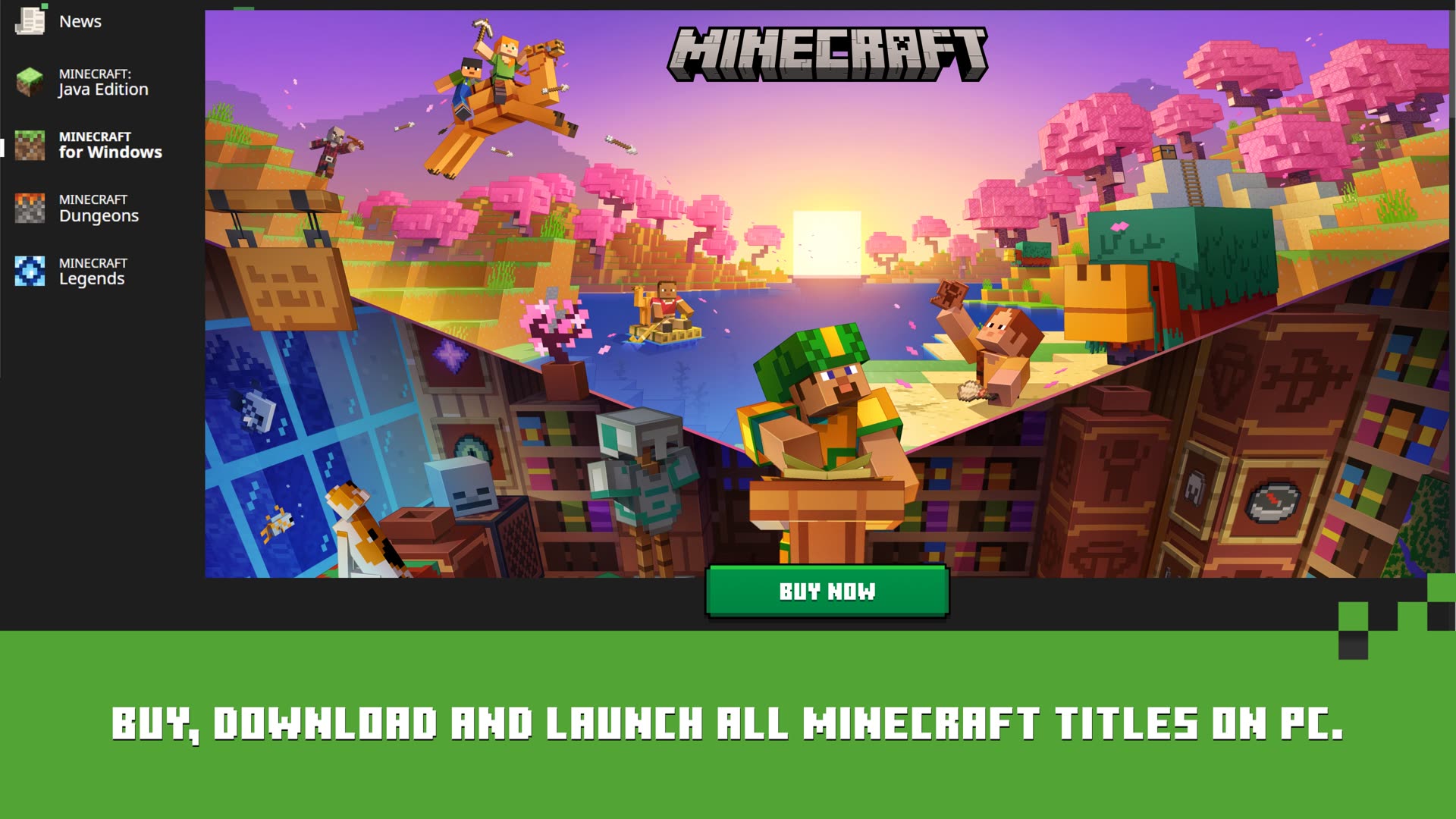
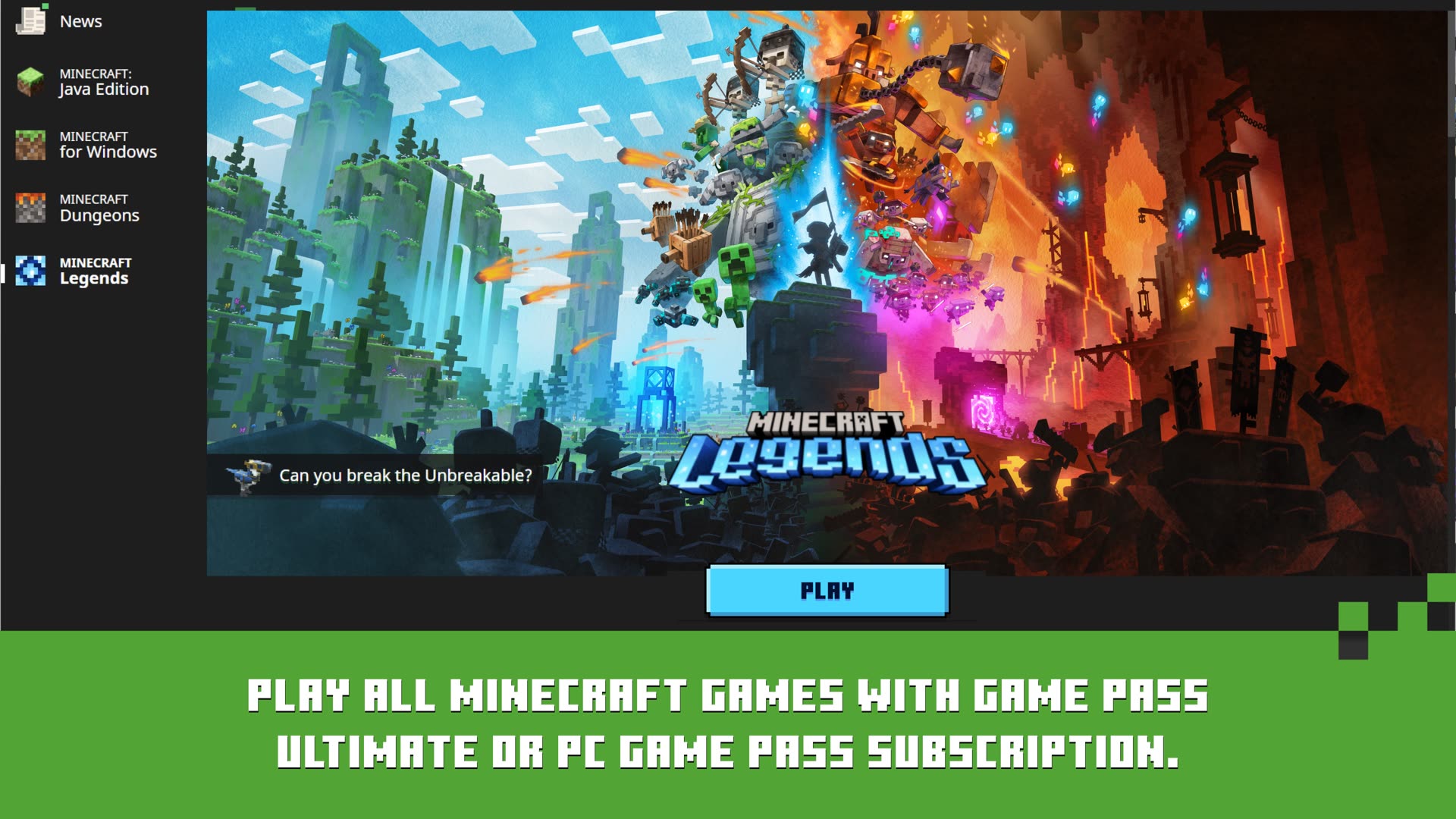
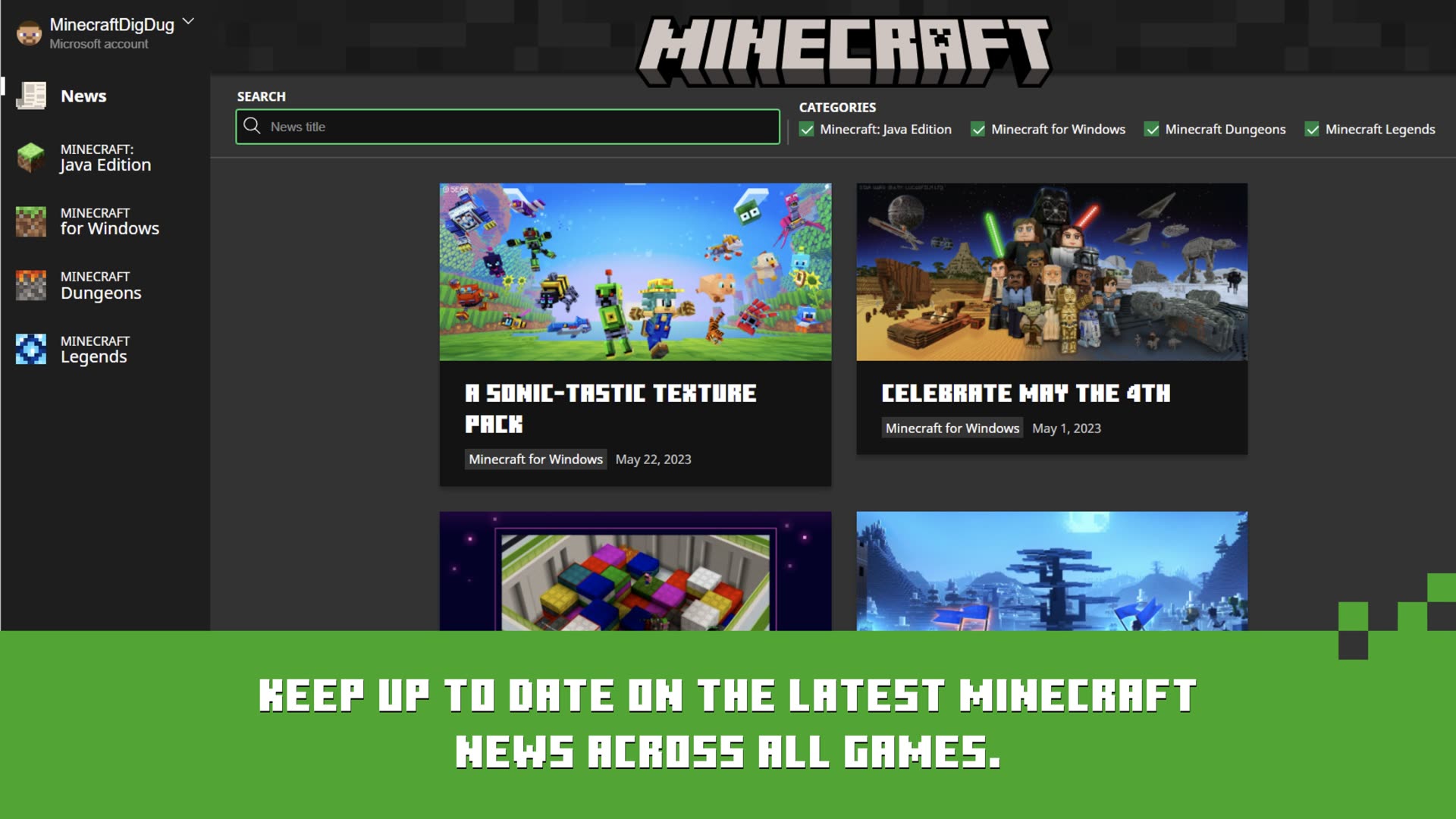
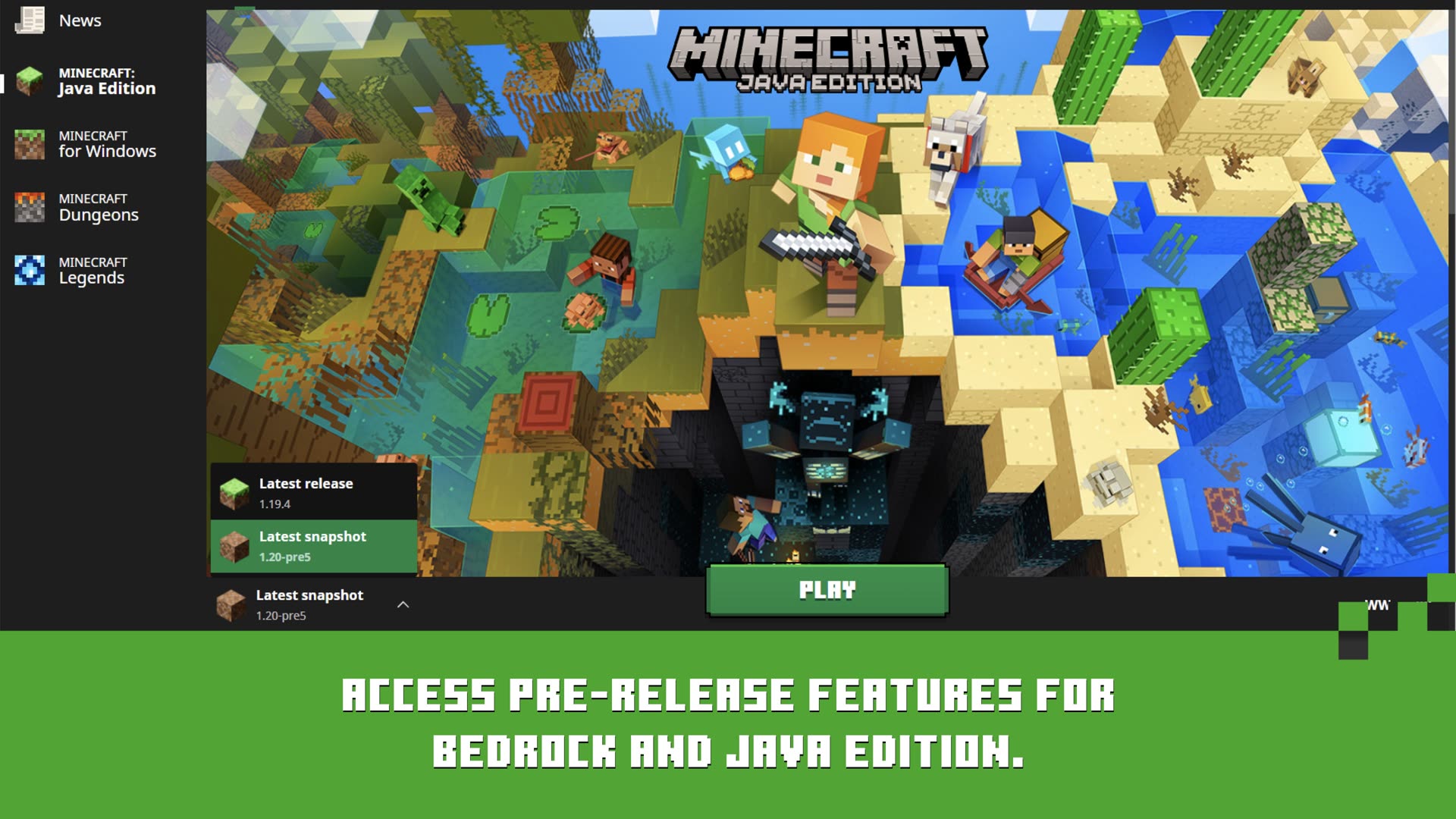
The Minecraft Launcher is Mojang's desktop app to download, update, and start every Minecraft PC title your Microsoft account owns. One sign-in unlocks Java Edition, Bedrock on Windows, Dungeons, and Legends from a single window.
Switch between editions from the left navigation. The launcher checks your entitlements and downloads the right game files automatically.
Since March 10, 2022, Java Edition requires a Microsoft account. Mojang accounts no longer work for new sign-ins.
The launcher checks for game and launcher updates automatically through Microsoft Store on Windows, or the built-in updater on macOS and Linux.
Not every edition is available on every OS. Check this before you download or buy a game.
| Edition | Windows | macOS | Linux |
|---|---|---|---|
| Java Edition | Yes | Yes | Yes |
| Bedrock (Windows) | Yes | No | No |
| Minecraft Dungeons | Yes | No | No |
| Minecraft Legends | Yes | No | No |
Four steps that work on every platform. Pick your OS for platform-specific notes.
Get the launcher from Microsoft Store or minecraft.net. Avoid third-party mirrors.
Use the Microsoft account that owns the game or has Game Pass.
Select Java, Bedrock, Dungeons, or Legends from the left rail.
Wait for the first download, then launch your world, Realm, or server.
Get the installer from minecraft.net or launcher.mojang.com.
Drag Minecraft to Applications. Right-click Open the first time to pass Gatekeeper.
Bedrock is not available on macOS through the official launcher.
On macOS Sequoia 15+, grant Full Disk Access if updates fail with error 9.
Use .deb on Debian/Ubuntu, AUR on Arch, or the .tar.gz portable build.
Ensure a desktop keyring is running. Flatpak often avoids CEF sign-in crashes.
Select Minecraft: Java Edition. Bedrock is not officially supported on Linux.
The launcher bundles its own Java runtime. No separate JDK needed for default play.
Jump back into recent worlds and servers from the launcher home screen without digging through in-game menus.
Create separate profiles for releases, snapshots, and mod loaders like Forge or Fabric with custom memory and game directories.
One sign-in syncs ownership, multiplayer services, and your Xbox gamertag across supported editions on PC.
Public guidance from Microsoft support and community reports. These are starting points, not guaranteed fixes.
Corrupted cache, broken Gaming Services, or Store registration issues after a Windows update.
Try first: Settings → Apps → Minecraft Launcher → Repair, then run wsreset.exe and restart.
Often a GPU acceleration or outdated graphics driver problem.
Try first: Update your GPU driver, then test with a --disableGPU launch flag.
Windows cannot verify that the signed-in account owns Minecraft or has an active entitlement.
Try first: Sign out of Microsoft Store and Xbox app, restart, sign back in with the owning account.
Account mismatch between Windows, Store, Xbox app, and the launcher.
Try first: Use the Microsoft sign-in helper and confirm system time is automatic.
macOS Sequoia 15+ can block the updater from modifying the app bundle.
Try first: System Settings → Privacy → Full Disk Access → add Minecraft.app, then reopen.
CEF OAuth failures, often related to missing KWallet or keyring on KDE desktops.
Try first: Install kwallet on KDE or try the Flatpak build. See MCL-24681.
Real interface captures from the official Mojang launcher on Windows.
launcher.mojang.com. Avoid third-party download sites.Official stores, Mojang documentation, and public bug tickets come first. Community fixes are labeled as possible steps, not guarantees.
Always confirm you are on a Microsoft, Xbox, or Mojang-owned domain before downloading the launcher.
Download destinations and installation guidance were reviewed on August 25, 2026.