01
Download
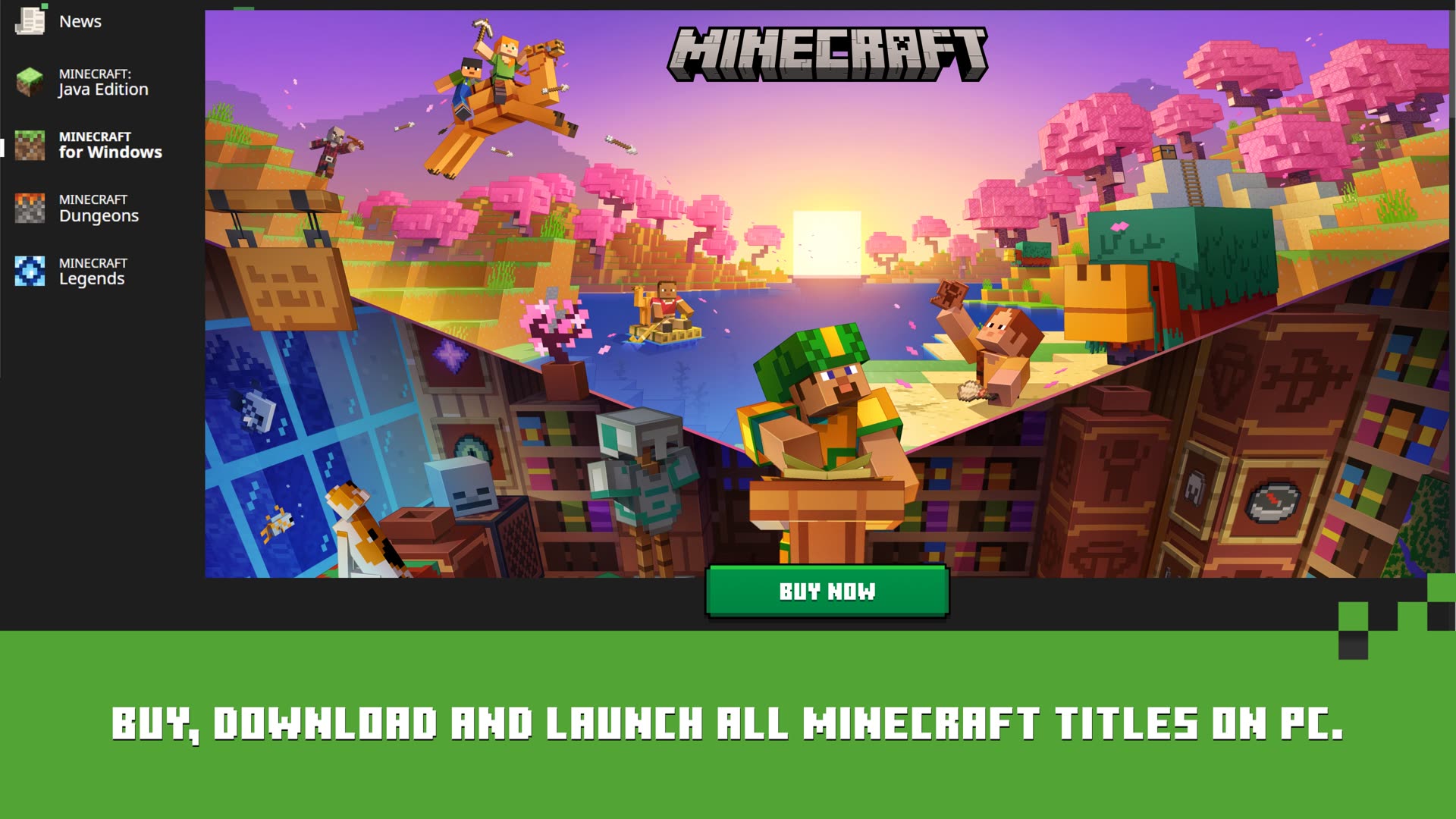
Get the launcher from Microsoft Store or minecraft.net. The Store build is recommended for automatic updates and access to Bedrock, Dungeons, and Legends.
From download to Play in four steps on every platform. Install from the Microsoft Store on Windows or from Mojang packages on Mac and Linux, sign in with your Microsoft account, choose an edition, and wait for the first game download to finish.
Four steps that work on every platform. Pick your OS for platform-specific notes.
Get the launcher from Microsoft Store or minecraft.net. The Store build is recommended for automatic updates and access to Bedrock, Dungeons, and Legends.
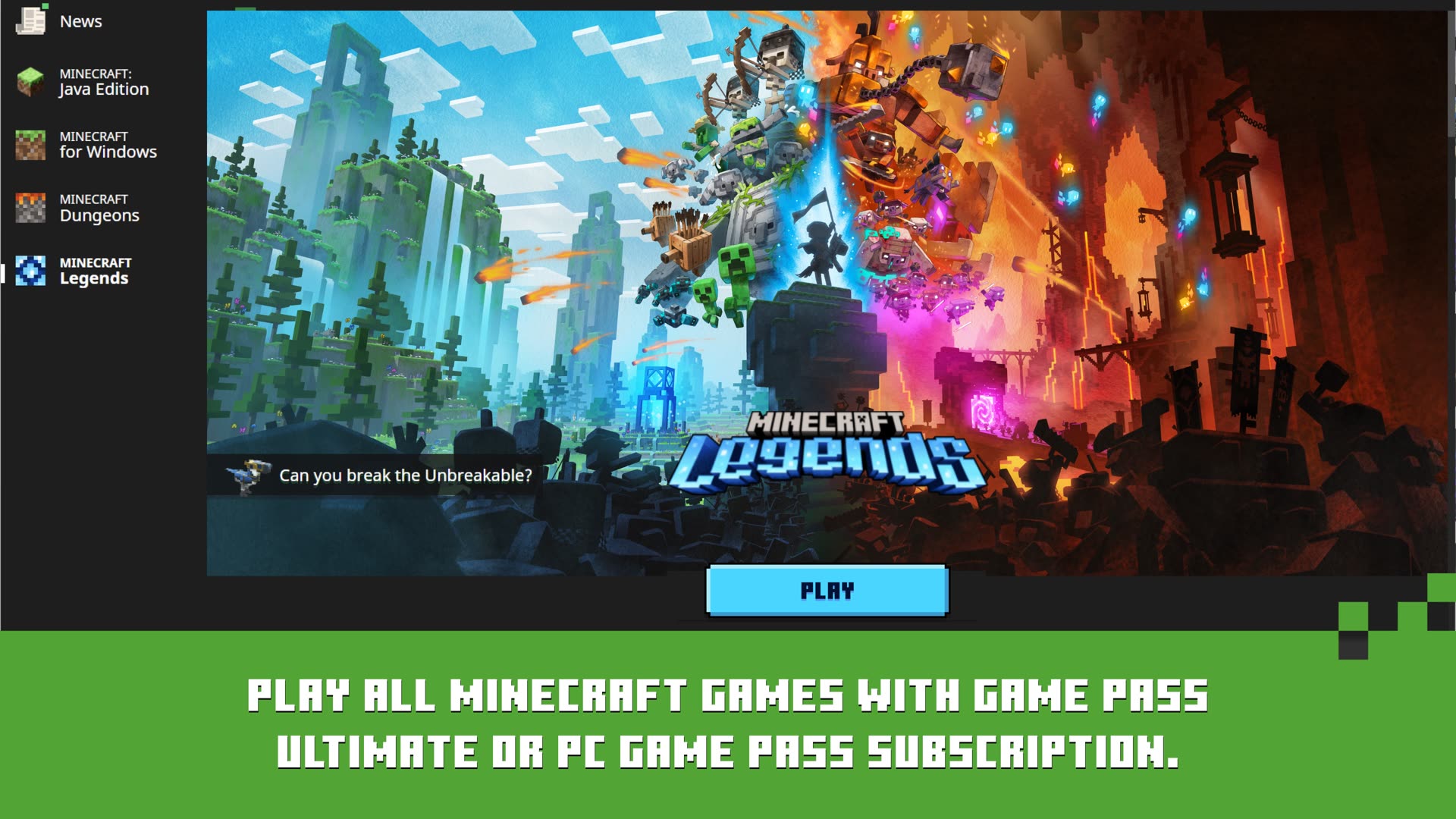
Use the Microsoft account that owns Minecraft or has an active PC Game Pass subscription. If sign-in loops, sign out of the Xbox app and Microsoft Store, restart, and try again with the sign-in helper.
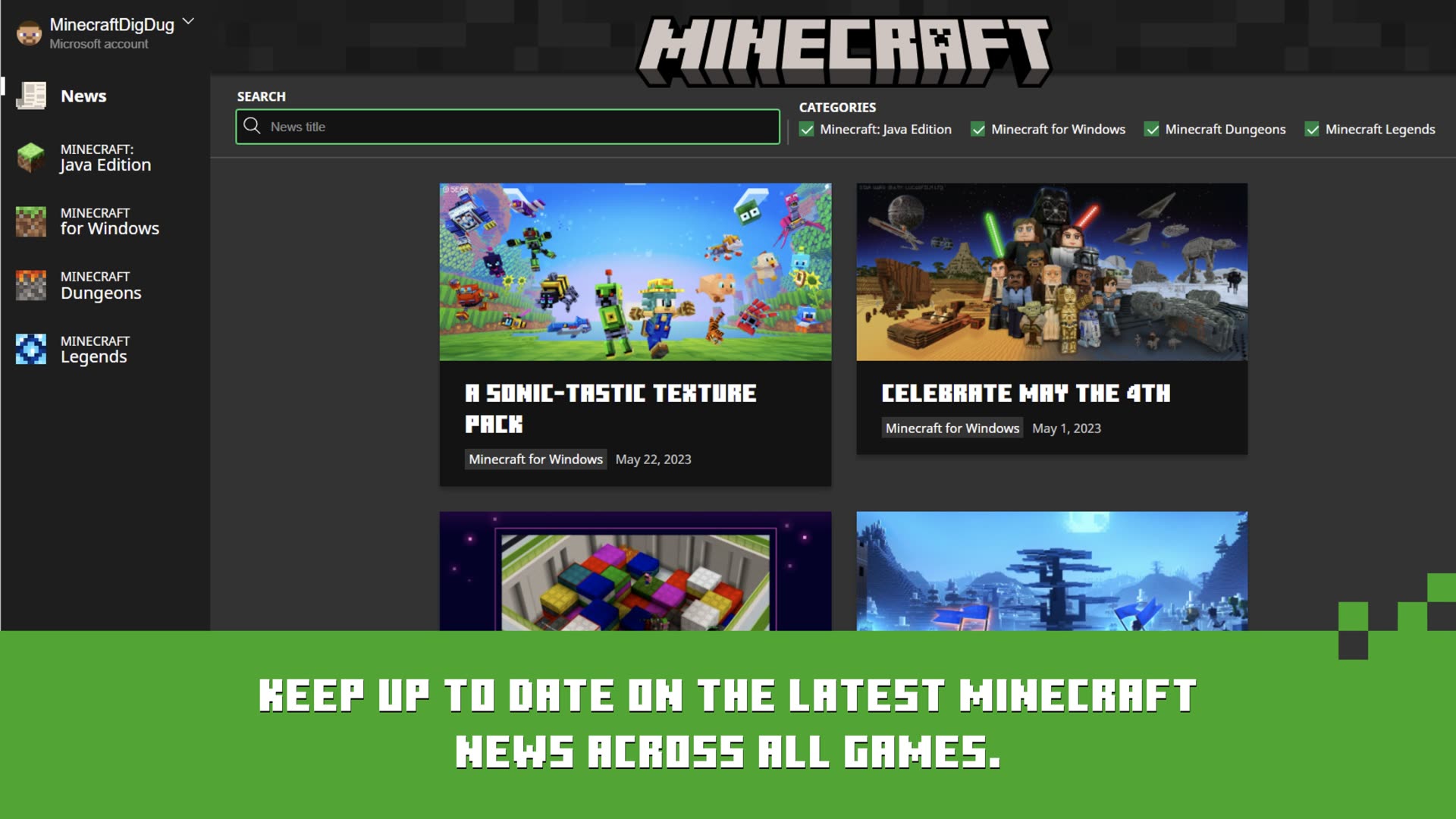
Select Java Edition, Minecraft for Windows (Bedrock), Dungeons, or Legends from the left rail. Tiles you do not own show purchase or Game Pass options instead of Play.
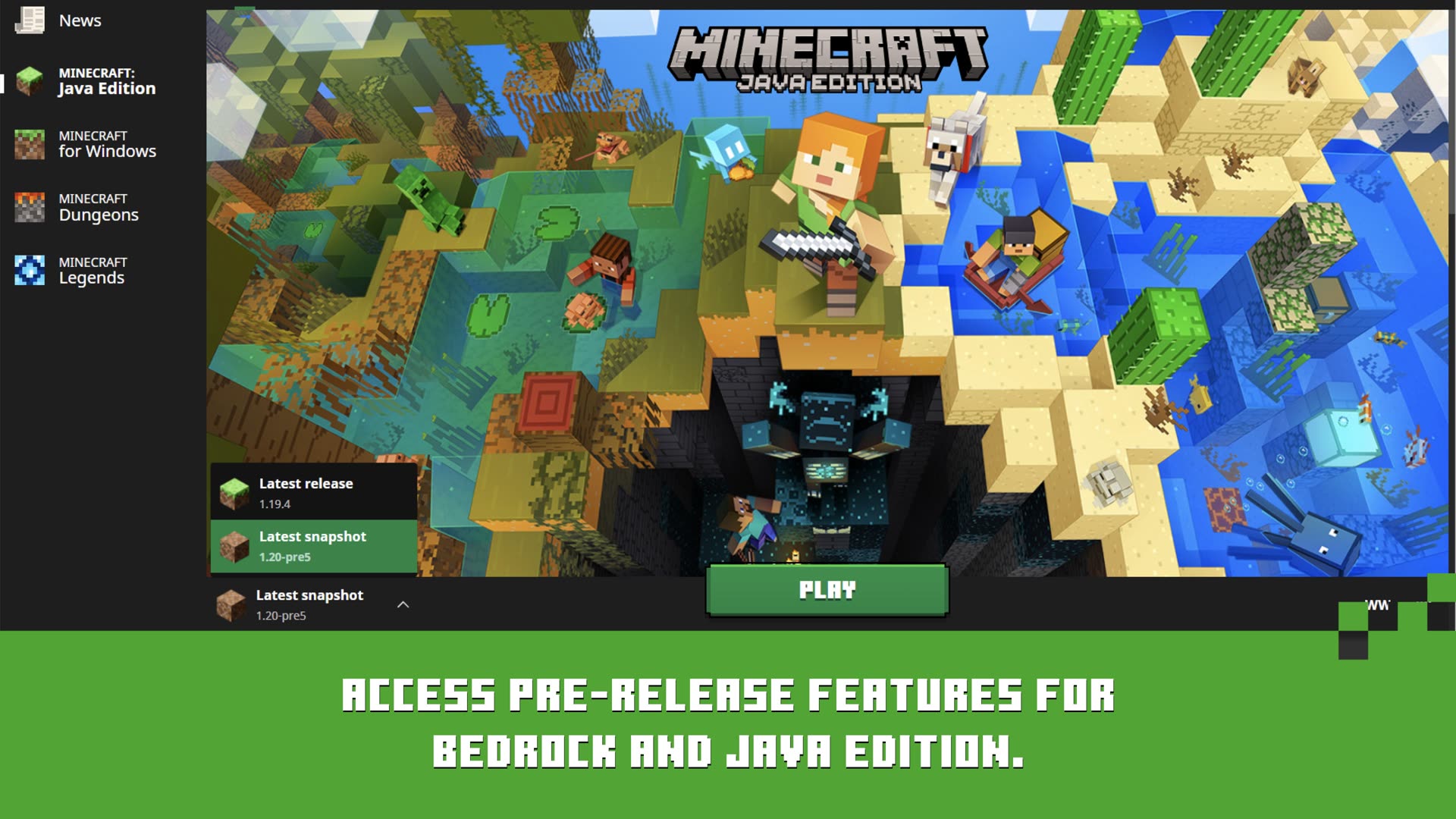
The first launch downloads game files—often several gigabytes. Wait for the progress bar to finish, then start a new world, Realm, or server. Quick Play lists recent sessions on the home screen afterward.
Get the installer from minecraft.net or launcher.mojang.com. Only Java Edition is available on Mac.
Drag Minecraft to Applications. Right-click Open the first time to pass Gatekeeper. Sign in with your Microsoft account—the same one linked to your Java license.
The Mac launcher shows Minecraft: Java Edition. Bedrock is not available on macOS through the official launcher. Create installations for release, snapshots, or mod loaders as needed.
On macOS Sequoia 15+, grant Full Disk Access to Minecraft.app if updates fail with error 9. Otherwise press Play and wait for the Java runtime and game assets to download.
Ensure a desktop keyring is running. KDE users may need KWallet. If the OAuth window crashes, try the Flatpak build or see Linux sign-in fixes.
Select Minecraft: Java Edition. Bedrock is not officially supported on Linux. Optional: set a custom game directory per installation for modded profiles.
The launcher bundles its own Java runtime. No separate JDK needed for default play. First launch downloads game files to your home directory under .minecraft by default.
After install, these built-in tools keep you in the game without hunting through folders or third-party apps. Browse our launcher screenshot gallery to see what each screen looks like on Windows.
Jump back into recent worlds and servers from the launcher home screen without digging through in-game menus. Java lists single-player saves and multiplayer servers you have joined; Bedrock shows recent worlds and friends' sessions when available.
Create separate profiles for releases, snapshots, and mod loaders like Forge or Fabric with custom memory and game directories. Each installation can target a different Minecraft version—essential for mod packs that lock to specific releases.
One sign-in syncs ownership, multiplayer services, and your Xbox gamertag across supported editions on PC. Java multiplayer and Realms require the migrated Microsoft account—Mojang accounts no longer work for new sign-ins.
-Xmx4G).Questions about account linking or edition choice are covered on the FAQ page. Download links remain on download.